
Custom CRM: A Tool Built Around Your Customer Relationships
Why consider a custom CRM?
A custom CRM is software built to fit a company's processes, business vocabulary and internal tools. Unlike a standard CRM sold as a subscription, it doesn't ask your teams to adapt to a generic way of working: the solution adapts to your organization.
For a small or medium-sized business, the benefits companies look for are concrete:
- Customer relationship management modeled on your real customer journey, not on a theoretical template.
- Smooth sales follow-up, with the fields, stages and vocabulary your salespeople already use.
- Fewer repetitive tasks (follow-ups, quotes, reports) thanks to the automation of your business processes.
- Direct integration with your existing tools (messaging, accounting, website).
The starting point is not technology. It is your business, your teams and your goals.
Generic CRM vs custom CRM: what's the difference for your business?
A generic CRM is an off-the-shelf product, usually offered as SaaS with a per-user subscription. It covers a wide range of features: contact management, sales pipelines, marketing, support. That breadth has a downside: an interface packed with functions your teams may never use, which can weigh down the user experience.
A custom CRM starts from the opposite premise. It keeps only what the business needs, in its own vocabulary and workflows. Where a generic solution can limit how an organization evolves, a custom CRM adapts to its internal specifics.
Here are the concrete differences, illustrated by common situations:
- Prospecting and leads: a generic CRM imposes predefined statuses ("qualified", "unqualified"). A custom CRM uses the categories your sales force works with every day, with your real channels (phone, messaging, web form).
- After-sales service: a standard tool often applies one workflow to every ticket. If your customer service handles different service levels depending on the contract type, you need a CRM that can sort by business priority and assign tickets automatically.
- Invoicing and quotes: an off-the-shelf CRM may not handle your quote formats or payment terms. A custom CRM builds these in from the design stage.
- Updates and changes: a standard CRM depends on the vendor's roadmap. Your company has no control over the pace or direction of those changes.
Digital transformation in Morocco is leading many SMEs to look for tools that reflect their operational reality rather than an imported model.
Key benefits of a custom CRM for sales management and customer relationships
A CRM project centralizes all customer data in one place. When that centralization is done well, the effects spread across the whole organization.
Sales team productivity
- Opportunities, follow-ups and quotes are tracked in a single system, with no re-entry and no switching between several applications.
- Every screen matches what users actually do, which makes adoption easier.
- Repetitive tasks can be automated: scheduled follow-ups, reminders, alerts when a deal stalls in the pipeline.
Customer service quality
- A complete view of each customer: interaction history, orders, complaints, preferences. Every team member has the same information.
- More personalized interactions: a support employee can pick up a conversation exactly where a salesperson left it.
- Fewer errors in customer management (duplicates, outdated information, oversights).
Management and marketing performance
- A unified view of customer data helps you target campaigns and prospects more precisely.
- Marketing and sales teams work from the same base.
- Management gets clear, readable dashboards.
The strength of a custom CRM lies in making every interaction traceable and every decision backed by reliable data.
Essential features of a custom CRM solution
Every business has different needs, but some feature families form the foundation of any effective CRM. Data security must be considered from the design stage: access control, encryption, logging.
- Contact and prospect management: detailed records with contact details, segmentation, interaction history and custom fields for your line of business.
- Sales pipeline: stages defined by your sales process, not by a generic model. Assignment per salesperson, alerts when an opportunity stalls, tracking of each deal.
- Quote and order management: quotes in your formats, conversion into purchase orders, approval tracking. Possible connection with your invoicing or your ERP.
- Customer service and after-sales: tickets sorted by request type, automatic escalation, a full history available to every team member involved.
- Automation and workflows: follow-ups based on business rules, lead scoring, notifications to salespeople, periodic reports.
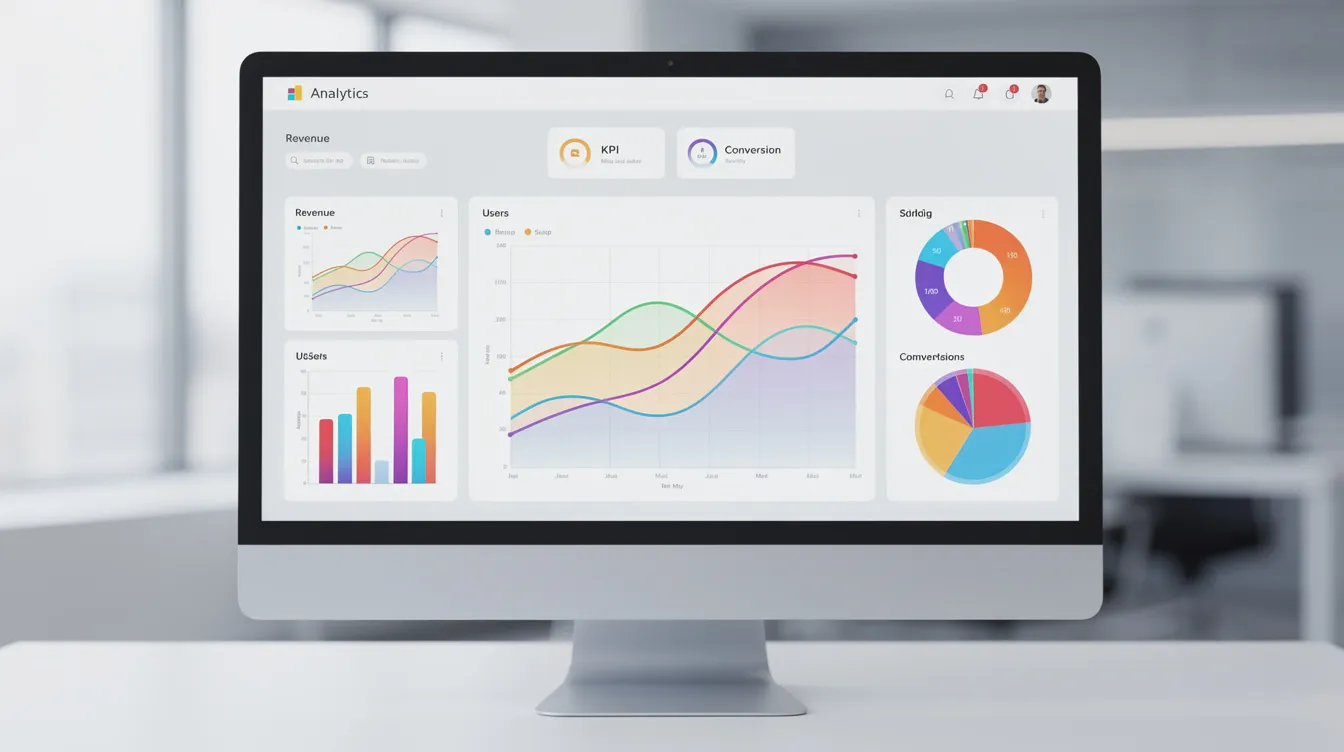
- Dashboards and reporting: indicators tailored to each user's role. Management tracks revenue and conversion; salespeople see their targets and pipeline; support tracks its response times.
- Role-based customization: each profile (sales, support, management) sees the screens and data that concern it, without clutter.
Integrating a custom CRM into your existing information system
An isolated CRM quickly becomes yet another data silo, so integration with your existing systems is essential. With a custom CRM, connectors are designed for your technical environment, whereas a standard CRM may need complex connectors to talk to software specific to your business.
Here are the most common connections:
- ERP and accounting: invoices, payments and outstanding balances stay in sync, with no double entry. To go further, read our guide to ERP software for SMEs.
- Website and e-commerce: contact forms, quote requests or online orders feed directly into the CRM. Prospects land in the pipeline without manual work.
- Messaging: bringing your customer conversations into the CRM gives the whole team a complete history of the relationship.
- Booking platform: for rental or service businesses, syncing availability, bookings and customer follow-up limits scheduling errors.
- Marketing tools: email, SMS or online advertising campaigns connected to the CRM to measure the effect of each action on loyalty and sales.
The goal: a single source of truth for all customer data, shared by every team member.
Making your custom CRM project a success
Implementing a custom CRM is a structuring project. An initial assessment maps existing workflows, identifies friction points and prioritizes features. Design should start with an analysis of user needs, not with technology.
Here are the steps to follow and the points to watch for a small or medium-sized business:
- Needs and current-state assessment: map your current processes (prospecting, sales, after-sales, invoicing). Identify what works, what slows you down and what is missing.
- Setting objectives: set precise, measurable goals, for example on response times to customer requests or on prospect follow-up.
- Stakeholder involvement: sales, support, marketing, management: each role brings a different reading of the needs. Involving them early reduces resistance to change.
- Specifications and mockups: write a precise requirements document (screens, fields, business rules, reports) and validate the mockups with future users before any development.
- MVP and agile development: favor a minimum viable product. Deliver a first functional scope (leads, quotes, follow-ups), gather feedback, then extend in iterations.
- Training and rollout: train teams from go-live. A tool delivered without training stays underused.
Custom CRM: typical use cases for small and medium-sized businesses
A custom CRM makes the most sense when your business has constraints that standard products handle poorly. A few examples:
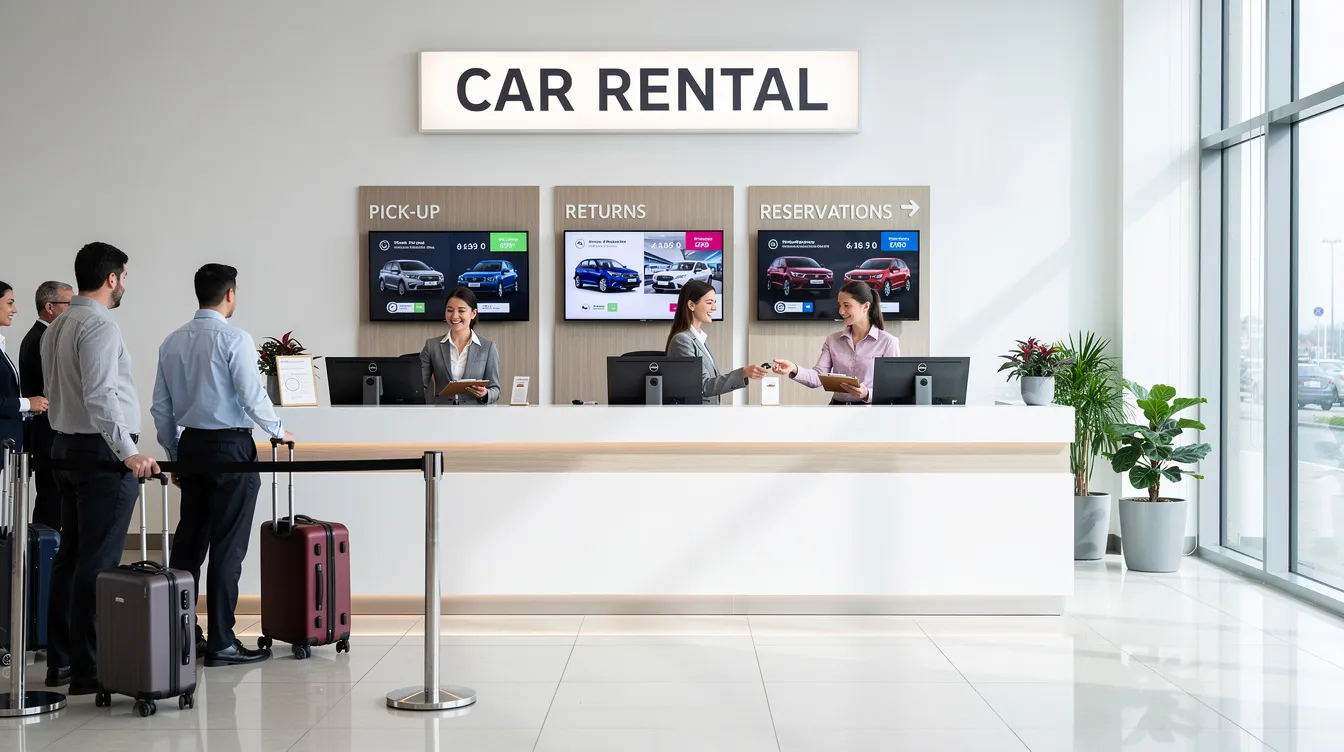
- Vehicle rental agency: fleet management (availability, servicing, contracts), bookings, customer history, invoices. A standard CRM does not natively handle a vehicle's availability over a given period.
- Engineering or consulting firm: tailored proposals, project milestones, time tracking, invoicing based on progress.
- Service company (cleaning, repair, maintenance): scheduling interventions, tracking ordered parts, on-site quotes, automatic follow-ups, handling emergencies.
- Real estate agency: leads from several channels, mandates, viewing follow-up, specific statuses (mandate signed, offer made, preliminary agreement).
- Booking platform (tourism, accommodation): managing availability, payments, cancellations and automated communications.
In each case, the custom CRM covers sales management, customer relationships and part of operations, all in a single interface.
UnzipTech focus: our approach to building your custom CRM
UNZIPTECH SARL, based in Fès, designs custom software (ERP, CRM, business tools) for small businesses, SMEs and large companies in Morocco and internationally. Our services also cover artificial intelligence, web development, mobile apps, IT and digital consulting, and SaaS solutions.
Our method is built on four steps:
- Listening and needs analysis: we start from the way you work, not from a preset template.
- Mockup design and validation: before writing a single line of code, we design the screens and user flows, and you approve each mockup.
- Agile development with regular check-ins: iterative deliveries and continuous adjustments. You see the product take shape.
- Delivery, training and follow-up: every delivery includes team training and user documentation.
The custom CRM is designed to integrate with what you already have: website, mobile apps, SaaS solutions, internal business tools. For a broader comparison of the two approaches, read our article on custom software vs off-the-shelf software.
Support, training and maintenance for your CRM solution
The success of a CRM project doesn't end when the software is delivered. User adoption depends on the quality of the support.
- Role-based training: the sales force, customer service and management don't have the same needs. Each group receives training suited to its daily use.
- User documentation: guides and procedures delivered with each version to make onboarding easier, including for new team members.
- Maintenance and support contracts: bug fixes, security updates, help when issues arise. It's best to plan for maintenance from the start.
- Continuous improvement: new needs emerge over time. Functional adjustments, process optimization, new modules: the solution evolves with your business, without updates imposed by an external vendor.
- Change management: supporting teams through the transition, listening to field feedback and adjusting the tool. That is what turns software into a performance lever.
How much does a custom CRM cost? The investment logic
The budget for a custom CRM depends on the functional scope, the level of integration and the degree of customization you want. Comparing custom development with a SaaS subscription without looking at the total cost of ownership skews the analysis.
A few points to consider:
- A custom CRM doesn't involve per-user licence fees, which matters if your team grows.
- You don't pay for unused features or for third-party connectors you don't need.
- Measuring return on investment helps you adjust processes: processing time, lead conversion, lost prospects, customer loyalty.
- At UnzipTech, payment is generally split into several phases, and every project starts with a free personalized quote after we analyze your needs.
The real question is not only "how much does it cost?" but also "what does the lack of a suitable tool cost me?". The value of the investment rests on a tool your teams actually use.
How to start your custom CRM project with UnzipTech
The first step is a conversation to understand your challenges: sales management, customer service, automation, integration with your existing tools.
- Prepare your request: list your priorities (prospecting, after-sales, invoicing…), the tools you already use and the difficulties you face day to day.
- Get in touch: fill in the contact form to tell us about your project.
- Explore our offer: see the page dedicated to custom software.
- Receive a quote: after analyzing your needs, we send you a free personalized quote.
Conclusion: making a custom CRM a lever for lasting growth
A custom CRM is not reserved for large groups. It is a structuring tool that adapts to your company, your teams and your processes.
- It adapts to your existing processes instead of forcing you to change the way you work.
- It integrates with your information system to create a unified database.
- It evolves with your business, without depending on a third-party vendor.
- It encourages user adoption, the key condition for any successful CRM project.
The next step is concrete: assess how you manage customer relationships today, identify what holds your teams back and start thinking about a custom CRM.