
Business Intranet: A Guide to Better Internal Communication
A business intranet has become the everyday gateway to information, business tools and the shared life of an organisation. For small businesses, SMEs and large companies, in Morocco and internationally, the question is no longer only whether you need an intranet, but how to make it a tool people actually use. Remote work, hybrid teams, multiple sites: a modern intranet must be accessible everywhere, including on mobile, and connect to the tools already in place (ERP, CRM, SaaS solutions).
What is a business intranet?
An intranet is a private, secure network reserved for the members of an organisation. Unlike a public website, access requires authentication: each employee logs in with their credentials, and access rights depend on their profile (role, department, site).
A business intranet brings together the tools and resources people use every day and lets employees share information and collaborate wherever they work. Typical content includes:
- HR procedures (internal rules, remote-work policy, certificate templates)
- Product sheets, technical guides and sales documents
- Self-service forms (leave requests, certificates)
- The staff directory, organisation chart and schedules
- A business knowledge base, FAQs and tutorials
Not to be confused: the intranet is reserved for employees, an extranet gives partial access to partners or suppliers, and the Internet is the public network.
From the classic intranet to the modern intranet
The first intranets were mostly repositories of static documents, updated by a single person in the IT department. A modern intranet is a collaborative platform that replaces scattered data with a single entry point to information, applications and internal communication.
- Before: static pages, limited search, rarely updated content, office-only use.
- Today: a platform connected to business applications, accessible on mobile, with a search engine and collaboration tools.
The benefits of an intranet for your business
- Structured internal communication: the intranet centralises information, reduces email overload and helps everyone get the right information at the right time.
- Faster access to information: procedures, documents and tools are gathered in one place.
- Engagement and company culture: news, recognition spaces and feedback tools give teams a voice.
- Stronger collaboration: shared workspaces help break down silos between departments, even when they are far apart.
- Multi-site organisations: information flows the same way across every site.
- Onboarding new hires: a structured onboarding path and immediate access to essential resources.
8 key features of a successful intranet
- Internal communication: a general news feed or one targeted by department or site, priority messages.
- Content management: article creation, versions, approval workflows and archiving.
- Knowledge base: procedures, FAQs, technical guides and manuals to harmonise practices.
- HR tools: leave forms, certificates, internal rules, calendar.
- Collaboration: project spaces, forums, wikis, internal messaging.
- Search: a search engine with filters and suggestions.
- Security: access control by role and department to protect confidential information.
- Mobility: responsive access or a mobile app, with notifications for field teams.
Personalisation is essential: each user should see on their home page what concerns them (their department, site and language), to avoid overload and encourage adoption.
Intranet and internal communication
The intranet acts as the central hub of internal communication: management announcements, local news, event calendars, internal newsletters.
- Mass emails give way to news pages, targeted notifications and discussion spaces (comments, forums, polls).
- Management can send a consistent message to every team.
- During a product launch, a reorganisation or the opening of a new site, everyone accesses the same information.
- Polls, idea boxes and Q&A spaces create a two-way exchange between management and the field.
HR intranet: a one-stop shop for employees
An HR intranet centralises human-resources information and simplifies administrative tasks that used to involve back-and-forth emails or paperwork:
- Remote-work policy, certificate templates, internal rules
- Public holiday calendar, payroll FAQ
- Leave and certificate request forms
- Directory and organisation chart: everyone quickly sees who does what
For new hires, the intranet structures the onboarding path and makes them more autonomous. For HR teams, it reduces repetitive requests, improves the traceability of approvals and shares the same policies across all sites.
Knowledge base and content management
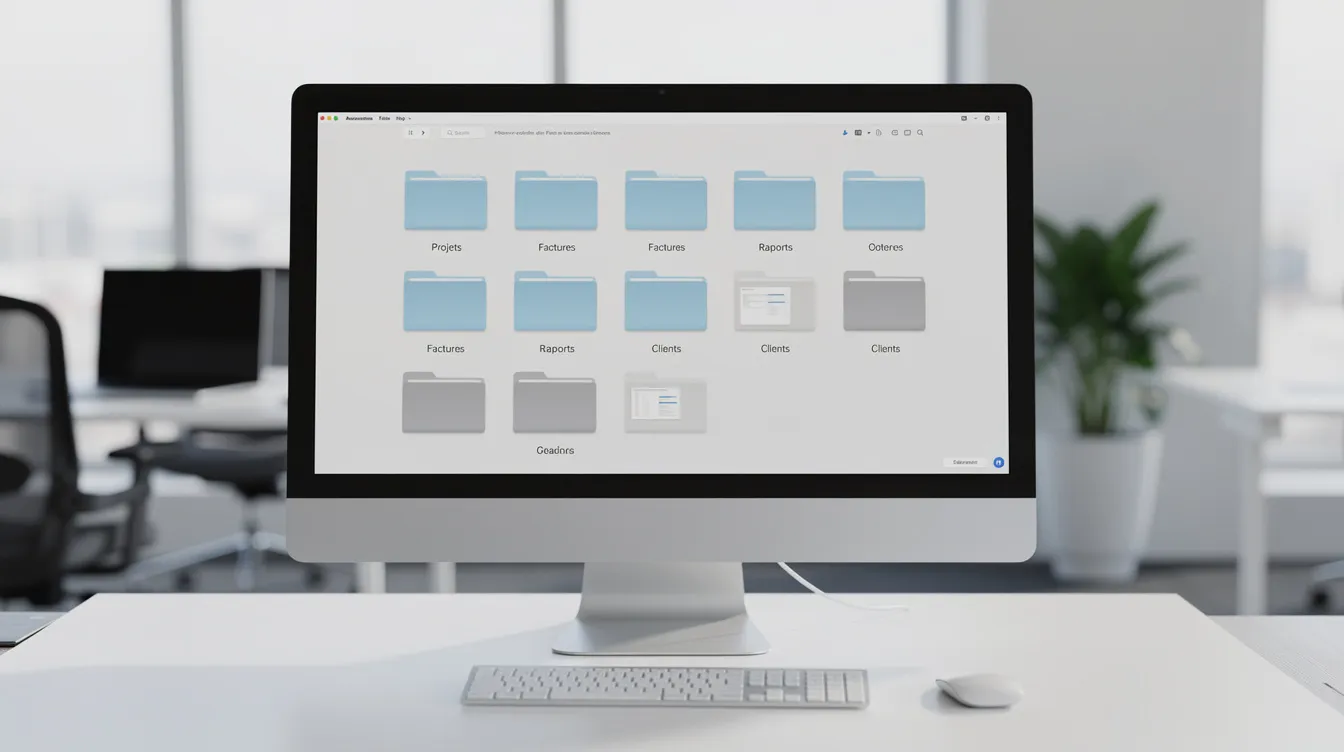
The knowledge base gathers the company's operational know-how: procedures, operating instructions, technical documentation, sales guides. Each piece of content follows a clear workflow: writing, review, approval, publication, then update or archiving.
For document search to work well, content must be well structured: clear categories, metadata, keywords. Rigorous document management prevents outdated versions, duplicates and procedural errors.
The main types of intranet
| Type | Main use |
|---|---|
| Communication intranet | News, announcements, internal events |
| HR intranet | Leave, certificates, onboarding |
| Document intranet | Procedures, technical sheets, document templates |
| Collaborative intranet | Project spaces, wikis, forums |
| Group intranet | Connecting subsidiaries, branches or franchises |
Employees can also reach business applications from the intranet: ticket tracking, contract management, reporting, CRM, invoicing. The strength of a modern intranet is combining these uses in a single platform.
Intranet and mobile app
An intranet must be accessible on mobile, especially for employees working in the field: logistics, shops, workshops, building sites, mobile technicians. An intranet mobile app can offer:
- Notifications for urgent announcements and important updates
- Access to news, the directory and the organisation chart
- Simple forms filled in directly from the phone
The mobile experience must be designed for small screens: simple menus, priority actions in view. To go further, read our article on mobile app development.

Off-the-shelf solution or custom intranet?
Before choosing, assess your employees' real needs.
Off-the-shelf solution:
- Quicker to set up
- Preconfigured modules, limited customisation
- Integration with existing business tools can be restrictive
- Risk of unnecessary or missing features
Custom intranet:
- Tailored to your internal processes, brand and business lines
- Integration with your ERP, CRM, SaaS solutions and management software
- A user experience designed for your teams, which encourages adoption
- Scalability: the intranet grows with the organisation
The choice depends on company size, process complexity, number of sites, required integrations, budget and security requirements. A step-by-step approach is often relevant: start with a core covering the essentials (communication, HR, documents), then add modules, automations and integrations. To go further, read our article on custom software vs off-the-shelf.
Steps to build a business intranet with Unziptech
At Unziptech we develop custom software and web applications, and we follow a four-step method:
1. Listening and needs analysis
- Workshops with key teams (management, HR, IT, business units)
- Gathering current uses, processes and expectations
- Prioritising features
2. Design and mock-up validation
- Web and mobile mock-ups
- Validation with stakeholders before development
3. Agile development with regular check-ins
- Interim demos and adjustments based on your feedback
- Integration of business tools, authentication and access rights
4. Delivery, training and follow-up
- Training for administrators and users, plus user documentation
- Post-launch follow-up and maintenance and support contracts
A personalised quote is free after we analyse your needs, and payment is generally split into several phases. Discover our custom software services.

Adoption: getting employees on board
An intranet's success does not depend on technology alone: user adoption is what makes the difference between a living tool and an abandoned space.
- Appoint ambassadors in each department to support their colleagues
- Run demos by department, with concrete use cases for each role
- Prepare launch communication: official announcement, presentation video, Q&A sessions
- Publish engaging content: employee profiles, local news, team successes, practical guides
Regular content updates are essential to keep users' trust: an outdated intranet is quickly abandoned.
Governance, security and updates
- Editorial governance: define who publishes, approves, updates and archives, with a content review schedule.
- Security: rights by role and department, authentication, access separated by profile, regular backups.
- Intranet owner: appoint a person or a small team on the company side to steer changes.
- Usage tracking: logins, most-viewed pages, searches with no results, mobile use. A business dashboard helps decide on improvements.
Personal data protection must be considered from the design stage.
Integrating the intranet with your information system
An intranet's effectiveness depends on how well it integrates with the existing information system, to avoid multiplying tools.
- Single sign-on (SSO): one login for the intranet and business applications.
- Widgets and dashboards: show indicators from the ERP, CRM or other SaaS solutions on the home page.
- Connected forms: intranet forms feed the CRM or ERP directly, with no double entry.
The intranet then becomes the single entry point to the information system.
AI and automation: towards a smart intranet
Artificial intelligence can reduce repetitive tasks and speed up access to information:
- Internal assistant: a business chatbot answers frequent HR questions and frees the HR team from repetitive requests.
- Smart search: a search engine that understands the meaning of queries and makes suggestions based on the user's profile.
- Content recommendations: documents, guides or news suggested by role or department.
- Automated workflows: leave approval, document approval, deadline reminders. See also our article on business process automation.
Our AI skills cover AI model integration, intelligent process automation and predictive analytics. AI does not replace people: it makes access to information faster and processes less time-consuming.

Support, training and maintenance
Every Unziptech delivery includes team training and user documentation, so that administrators and users are autonomous.
- Training: hands-on sessions for administrators (content, rights, approval workflows) and users (navigation, search, forms).
- Documentation: user guides and an internal FAQ.
- Maintenance and support: fixes, enhancements and technical assistance under maintenance contracts.
- Continuous improvement: employee feedback and new business needs feed the next versions.
Frequently asked questions about business intranets
What is the difference between an intranet and an extranet?
An intranet is reserved for the company's employees. An extranet gives partial, controlled access to partners, customers or suppliers.
Is an intranet useful for a small business or SME?
Yes, as soon as information is scattered across emails, shared folders and different tools. An intranet centralises documents, procedures and internal communication, whatever the size of the team.
Should I choose an off-the-shelf solution or a custom intranet?
It depends on your processes, integrations and security requirements. An off-the-shelf solution suits simple needs; a custom intranet adapts to your business and your existing tools.
How much does a custom intranet cost?
The cost depends on the functional scope and integrations. Unziptech offers a free personalised quote after analysing your needs.
Conclusion: make the intranet a pillar of your organisation
A modern intranet centralises internal information, improves communication and strengthens team coordination, including between remote sites. Its success rests on three pillars: features that match real needs, good integration with the information system, and genuine adoption by employees.
Have an intranet project? Contact the Unziptech team for a free personalised quote after we analyse your needs.