Business chatbot: a practical guide for small businesses and SMEs
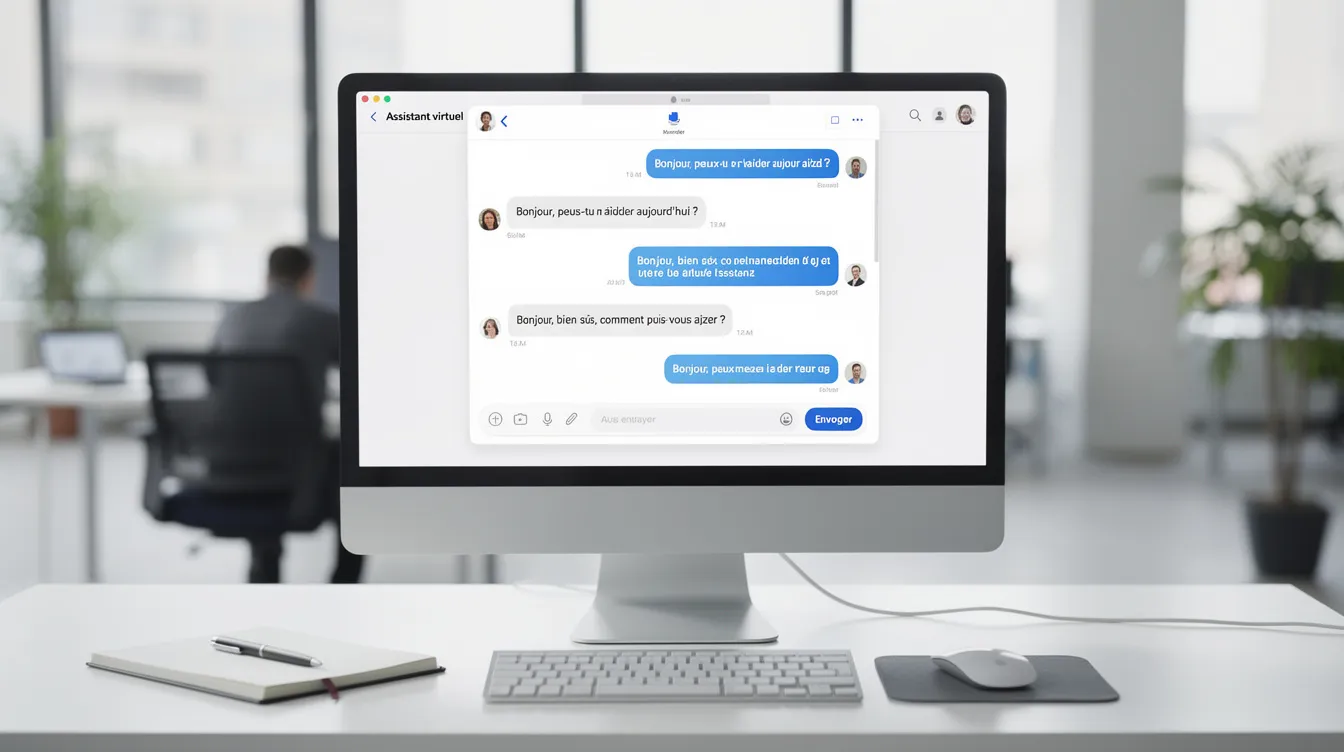
Conversational artificial intelligence has changed the way companies talk to their customers and their teams. A business chatbot can do far more than answer "yes" or "no": it can understand a request, guide a customer or automate a repetitive task.
For a small or medium-sized business, the benefits are concrete: answers outside office hours, fewer repetitive tasks for your teams and a better experience on your website and digital channels. This Unziptech guide answers the key questions business owners ask:
- What is a business chatbot really for?
- What data do you need to prepare?
- When should the conversation be handed over to a human?
- Which pitfalls should you avoid?
What is a business chatbot?
A business chatbot is a conversational agent deployed on a website, a mobile app, a messaging platform or an internal tool (intranet, CRM, ERP). Its role is to answer questions from customers or employees automatically, in a natural-language conversation. It is neither a gadget nor a simple form, but a contact point in its own right.
- Rule-based chatbots follow decision trees: predefined paths with buttons. They are easy to set up, but limited to the cases they were designed for.
- AI-powered chatbots rely on natural language processing to understand freely worded questions, even with typos or variations.
- Hybrid chatbots combine both: buttons for frequent requests and the option to ask an open question.
Depending on your needs, a chatbot can serve as customer support (FAQ, order tracking) or as an internal assistant (HR procedures, leave requests, onboarding new employees).
Defining your chatbot's business goals
Before choosing a tool or a provider, be clear about what your chatbot needs to achieve. The most common use cases:
- Answering frequently asked questions: opening hours, terms, return policy, account access… all the questions that flood your inboxes.
- Tracking an order or a delivery: letting customers check a status without tying up an agent.
- Qualifying leads: gathering the need and the industry from the very first exchange, then routing the lead to the right contact.
- Supporting internal teams: helping an employee find a procedure, a document or a form.
A chatbot can also handle several conversations at once during peak periods.
The key tip: limit the initial scope to a few well-targeted scenarios, and decide from the start how you will measure results.
Understanding your users: customers, prospects and employees
A business chatbot does not serve a single audience. Three main profiles stand out:
- The customer asks simple questions: "Where is my order?", "What are your opening hours?". They want immediate answers, without jargon.
- The B2B prospect is looking for detailed information about your solutions or wants a quote. They expect a professional tone and more precision.
- The internal employee uses the chatbot as an assistant to find a document, a procedure or a form.
Tone, vocabulary and level of detail should adapt to each profile while staying consistent with your brand image. Start from real data: analyse the emails you receive, your support history and the recurring questions your switchboard gets. This work is the foundation of a useful chatbot.
The data a chatbot needs to work well
The knowledge base is the fuel of an AI chatbot. Without structured, up-to-date content, even a good conversational agent will give approximate answers.
- Documents to prepare: FAQ, product documentation, internal procedures, terms and conditions, user guides. Each resource should be clear, with short answers, and updated regularly.
- Structure: organise content by topic (orders, billing, HR, offers) so the chatbot can quickly find the right answer.
- Public data and sensitive data: information intended for customers and internal data must be kept separate. The chatbot must never expose employee-only information to an outside visitor.
- Integration with existing systems: connecting the chatbot to a CRM, an ERP or an intranet lets it give up-to-date answers (order status, available stock), but requires serious technical preparation beforehand.
Designing the user experience: the chatbot's flows and tone
The design of the conversational flow determines whether your users see the chatbot as a help or as an obstacle.
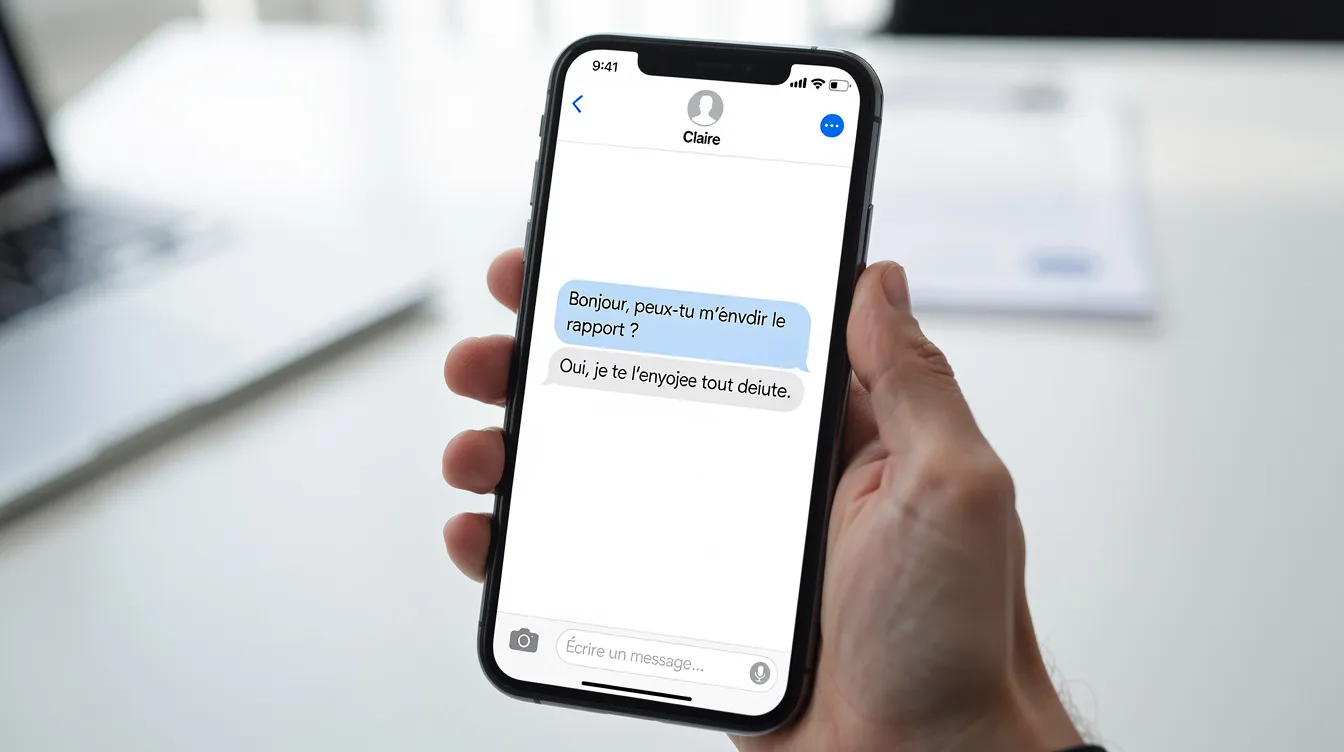
- Welcome and guidance: as soon as it opens, the chatbot introduces itself as an automated assistant (not as a human), offers frequent questions as buttons and lets users type a free-form question.
- Tone and language: formal or friendly depending on your brand, and multilingual if your customers need it (for example French, Arabic and English).
- Short, useful answers: a few clear sentences, with links to pages on your website for more detail.
- Handling misunderstandings: plan messages such as "I didn't quite understand your request, could you rephrase it?" and always offer an alternative (button, link or transfer to a human).
- Accessibility: readability on mobile, fast responses and visual consistency with the company's identity.
Integrating the chatbot into the company's digital ecosystem
An effective chatbot is part of your digital ecosystem rather than working on its own.
- Channels to cover: website, mobile app, messaging platforms, intranet. The goal is a consistent experience, with the same answers and the same tone, thanks to a single knowledge base.
- Back-office integrations: CRM for customer relationships, ERP for orders and stock, ticketing tools for support. A connected chatbot can retrieve information and trigger actions (creating a ticket, sending a notification, updating a status).
- Beware of the isolated chatbot: without a connection to your business tools, it is limited to a static FAQ.
This integration should be prepared in advance with your IT team or your provider, in order to secure data exchanges. To go further, read our article on business process automation and the one on custom CRM.
Handing over to a human: hybrid customer support
A chatbot does not replace human support. It filters and resolves simple requests so that your agents can focus on the cases that need them.
- Signals for transferring to a human: an explicit request ("I want to speak to an agent"), a conversation going round in circles, a sensitive topic (complex billing, complaint, dispute) or frustration expressed by the user.
- Transfer without losing context: the agent must be able to see the conversation history so the customer does not have to repeat themselves.
- Escalation buttons: "Request a callback", "Open a ticket", "Talk to an agent", with availability hours clearly stated.
The handover must be connected to your existing tools (email, phone, ticketing) to avoid any break in the experience.
The steps of a business chatbot project with Unziptech
At Unziptech, a chatbot project follows our four-step method:
- Listening and needs analysis: discussions with decision-makers, identification of use cases and recurring questions.
- Design and mock-up approval: conversational flows, tone, misunderstanding scenarios and handover to a human, approved with you before development.
- Agile development with regular check-ins: integration with your systems (CRM, ERP, business tools) and adjustments from one version to the next. Discover our artificial intelligence services.
- Delivery, training and follow-up: training for your teams and user documentation so you can manage the chatbot day to day.
Every project comes with a free personalised quote after analysing your needs, and payment is generally split into several phases.

Pitfalls to avoid when deploying a chatbot
The most common mistakes are strategic rather than technical:
- Trying to cover everything from day one: too broad a scope without a solid knowledge base produces weak answers.
- Underestimating content preparation: writing clear FAQs and structuring documents takes time and internal resources.
- Forgetting the handover: a chatbot with no option to reach a human creates frustration.
- Overlooking the risks of a poorly framed AI: inaccurate or made-up answers. The AI must rely on controlled sources and remain supervised.
- Ignoring data protection: limit access to critical systems, secure data exchanges and set clear rules for how long conversations are kept.
Recommended approach: start with a narrow scope, measure the first results and adjust step by step.
Continuous optimisation: measure, analyse, improve
A chatbot is never "finished". Its effectiveness depends on a regular cycle of measurement and adjustment.
- Metrics to track: number of conversations, share of questions resolved without human intervention, volume of requests transferred to support, satisfaction measured with a short question at the end of the exchange ("Did this answer help you?").
- Conversation analysis: the exchanges where the chatbot failed reveal misunderstood questions and missing topics.
- Content updates: FAQs, procedures and product information change; a chatbot fed with outdated data loses credibility.
- Regular human follow-up: an internal owner reviews the reports and flags the adjustments needed.
A maintenance and support contract with Unziptech can cover this follow-up over the long term.
Working with Unziptech on an AI chatbot project
Unziptech (UNZIPTECH SARL, office in Fez) supports small businesses, SMEs and large companies in Morocco and internationally with artificial intelligence, web development, mobile apps, custom software and IT & digital consulting. For a chatbot project, we handle:
- needs analysis: goals, use cases and priority channels;
- conversational design: flows, tone, multilingual scenarios and handover to a human;
- technical integration: connection to your existing systems (CRM, ERP, business tools);
- training and documentation provided with every delivery;
- maintenance and support under a contract.
Considering a business chatbot? Contact us for a free personalised quote after analysing your needs.
Business chatbot FAQ
Can a business chatbot completely replace my customer service?
No. A chatbot automates simple, repetitive questions, but complex, sensitive or emotional cases should still be handled by agents. The goal is for the chatbot and your teams to complement each other.
How long does it take to set up a first chatbot?
It depends on the chosen scope, the content available and the integrations required. A chatbot limited to an existing FAQ is simpler to deploy than an AI chatbot connected to an ERP.
Do I need a CRM or ERP before launching an AI chatbot?
No. A chatbot can work with an FAQ or a document base. A CRM or ERP does, however, let you go further, for example to display an order status or qualify a lead.
What internal skills are needed to manage a chatbot day to day?
A non-technical profile is often enough: someone who can update content, read usage reports and spot questions that are not covered. Technical support can be provided by a provider under a maintenance contract.
How can you prevent the AI from giving inaccurate answers?
By taking care of the quality of the source data, framing the chatbot's scope, testing it regularly and maintaining human supervision.
Is a chatbot worthwhile for a small business?
Yes, in many cases: customer support, lead qualification, appointment booking. Provided you set clear goals and start with a simple scope.